
What Shipped: July 2026
Four product changes that landed since Release Week — where to find them, what they do, and why they make the platform sharper for teams already using SimpL.
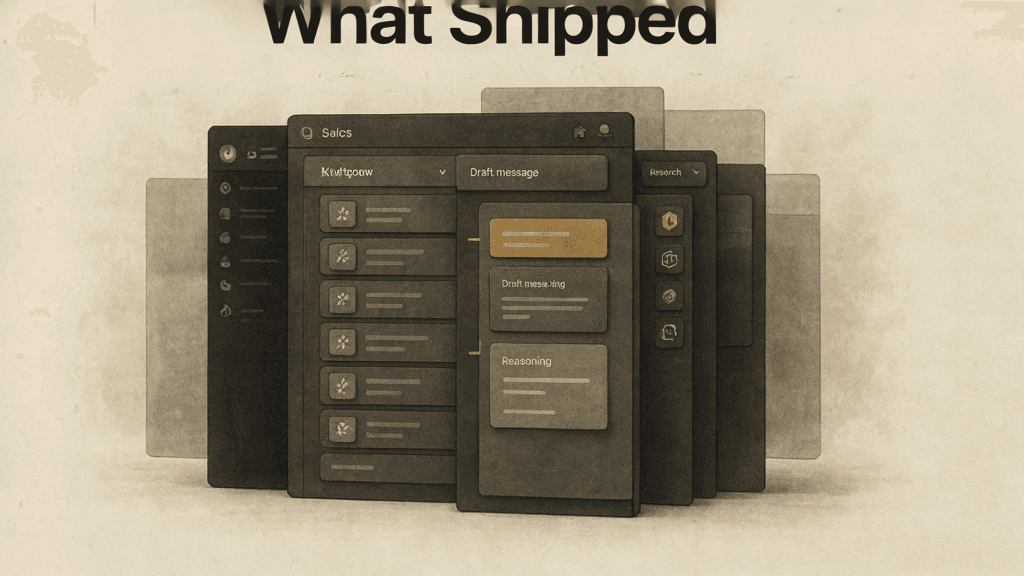
Release Week was April. Five launches in five days. Since then the team kept shipping — not in a single event, but steadily, across the platform. If you log in every day, some of these changes arrived so quietly you might not have noticed them. Others you have been using for weeks.
This is for the teams already on SimpL. Four things that landed, where to find them, and why they matter.
1. The activity lens on home
Your home screen used to be a launchpad. Now it is also a timeline.
The activity feed shows every send, every draft, every approval, and every reply — day by day, in order. Scroll down and it loads older activity. Tap a card and it opens a detail panel: why this message was written, a preview of the draft, the lead context behind it. The feed does not replace the morning review. It gives you a way to trace what happened after you approved the first moves.
Where to find it: Home screen, below the morning feed. The timeline starts at today and scrolls back.
2. Draft provenance — why this message exists
Every pending draft now carries its reasoning with it.
When SimpL proposes a message, the draft card shows which signal triggered it and why the model thinks this person at this company is worth reaching out to right now. Before you approve or reject, you see the logic — not just the output. This closes the gap between "the machine suggested it" and "I understand why."
For teams running human-in-the-loop write queues, this is the difference between rubber-stamping drafts and actually reviewing them.
Where to find it: Any pending draft card in your feed. The provenance line sits above the message preview.
3. Chat grew a research workspace and a prompt workbench
The chat panel at the bottom of your screen now does two things it did not do before.
First, a research workspace lives beside the conversation. You can ask about companies, build shortlists, and keep discovery results pinned while you chat about strategy. No more switching tabs to check a company page and then coming back to the thread.
Second, the prompt workbench lets you iterate on outreach voice directly inside the chat. You edit the logic that generates every message — not one message at a time — and regenerate drafts in a sandbox before you save. It is the same prompt-tuning capability that used to require a support thread, now self-serve.
Where to find it: Open the chat dock at the bottom of any screen. The research panel is the sidebar on the right. Ask "tune my outreach voice" to start a prompt workbench session.
4. Settings and integrations moved home
There used to be a separate settings route — a dead-end page you visited once, begrudgingly, to connect a CRM or check a configuration. That page is gone.
Settings, integrations, and account controls now live inside the home shell. They slide out from the same navigation you use every day. The result is not cosmetic: it means you can check an integration status or update a configuration without leaving the flow you were in.
Where to find it: The settings icon in the home navigation bar. Everything that used to live on the old settings route is there.
These changes share a pattern. Nothing was bolted on. Everything moved closer to where you already work: the home screen, the chat dock, the feed you review every morning. The platform did not get bigger. It got denser.
If you are already using SimpL, these are live now. If you are not yet, the first feed builds itself the same day you describe what you sell.
SimpL helps sales teams find the moment, shape the action, and avoid noisy outbound.Visit the main site